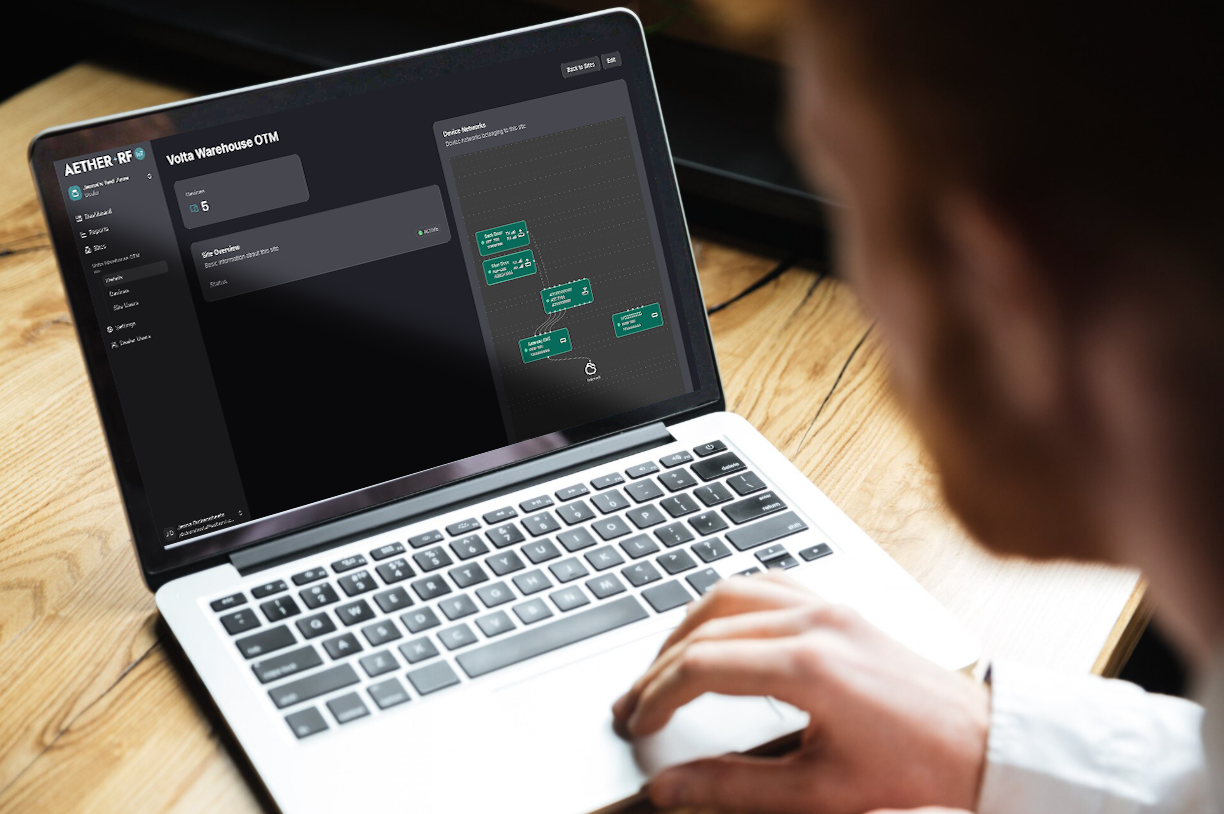
One Wireless Series, Double the Value for Your Customers.
Aether RFʼs proprietary radio technology has been configured to provide systems integrators and gate installers with two wireless bridge solutions. For sites with fewer doors, opt for a familliar Point to Point Wireless bridge. For expansive sites with complex wireless bridge needs, explore the One to Many Wireless Network that offers interconnected coverage.
KNECT: One to Many Wireless Network
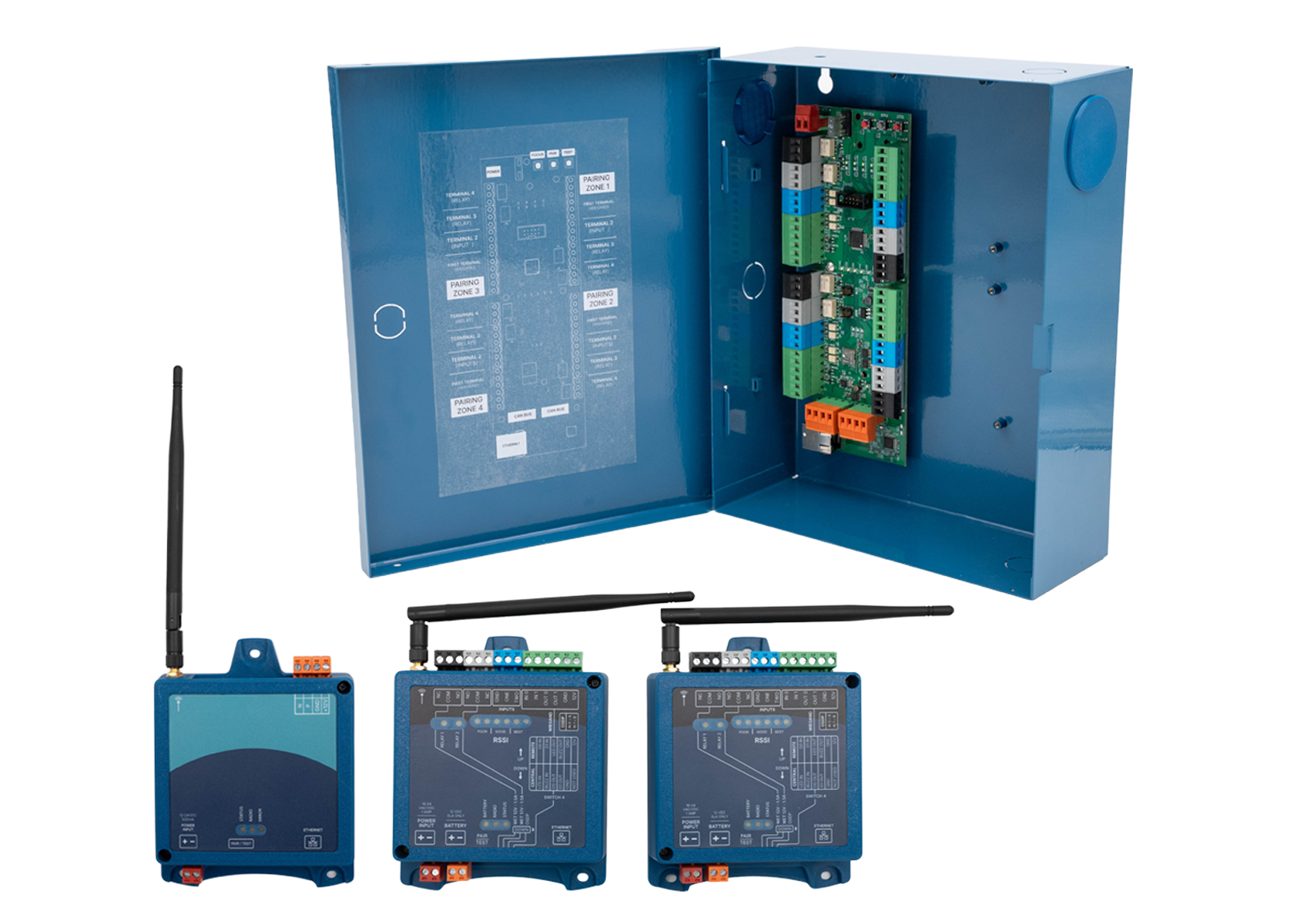
Use one KNECT Gateway, ARF Tether, and multiple KNECT Endpoints to create a One to Many wireless network. Best for installations needing to connect several remote entrances.
BEST FOR
- Adding on 2+ remote entrances
- New builds looking to adopt wireless
- Growing sites that need flexibility
- Industrial complexes and distribution centers
- Large HOA, BTR, and Gated Communities
HOW IT WORKS
1. Purchase a One to Many Kit (OTM-K) to get a jumpstart on your deployment, or purchase equipment individually. Each One to Many system requires at least one KNECT Gateway, one Tether, and at least two KNECT Endpoints.
2. Power and Pair your system before install.
3. Connect your Gateway to your site’s access control panel using Aether RF’s custom bus to designate it as the central unit. Connect the Tether to the Gateway to provide radio signal, then install Endpoints at each remote door.
4. Optionally log on to Aether RF IoT to claim your devices and unlock remote monitoring and diagnostic insights.
KNECT Point to Point Wireless Bridge
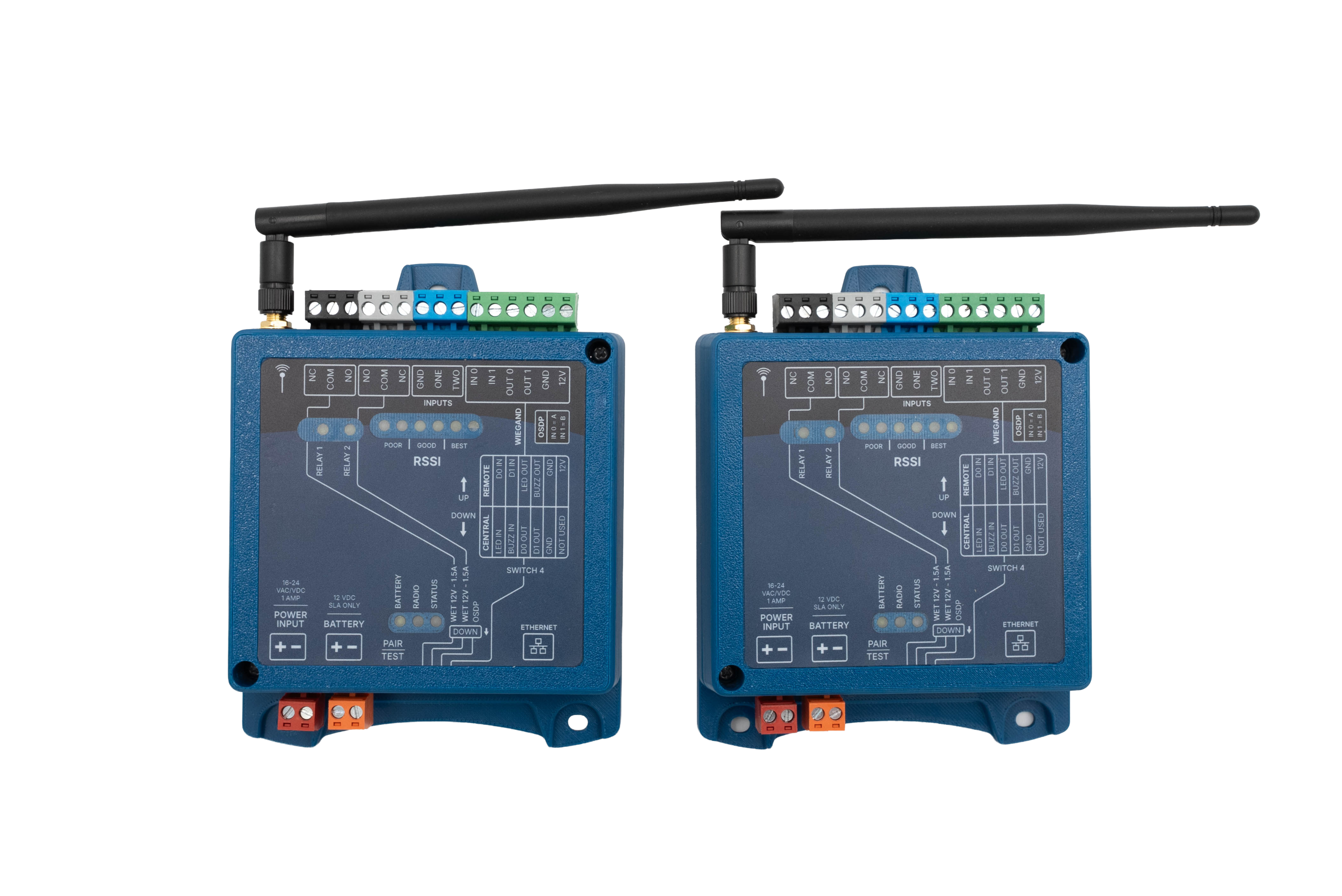
Use two KNECT Endpoints to create a Point-to-Point wireless bridge compatible with OSDP or Wiegand protocols. Best for installations needing to add a singular remote access point.
BEST FOR
- Adding on a Single Door or Gate
- Retrofits looking for a quick solution
- Self-storage facilities
- Small Gated Communities
- Historic buildings
HOW IT WORKS
1. Purchase a pair of Endpoints from your local distributor. Find your closest branch here.
2. Power and pair each unit together using the dip-switch on the device.
3. Install one Endpoint at your panel location, this is your Central Unit.
4. Install the other Endpoint at your remote door, this is your Remote Unit.
5. Optionally claim your devices at Aether RF IoT to unlock remote monitoring and device performance insights.
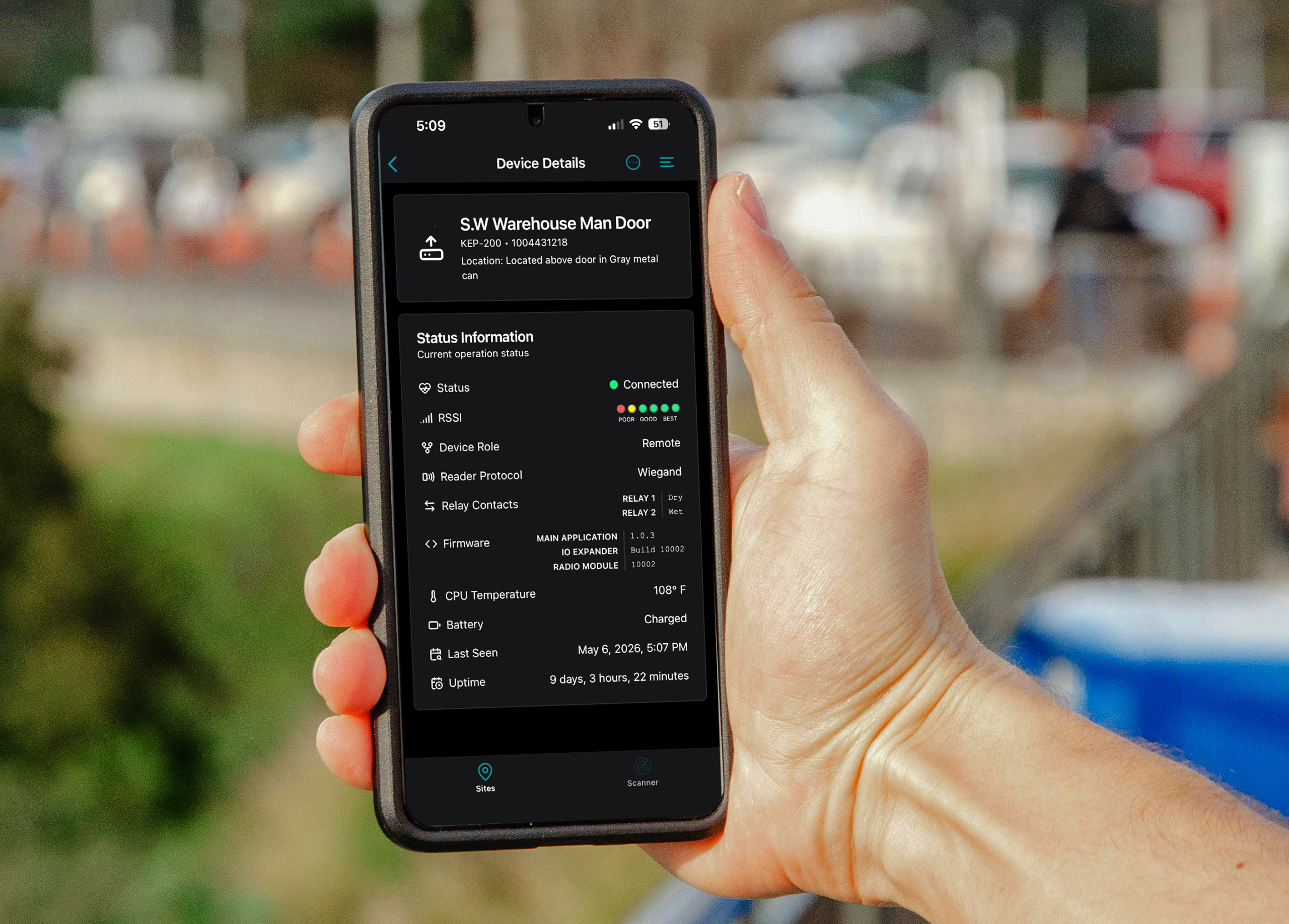
Monitor, Manage, and Support Your Installations Remotely with the KNECT Tech app.
Unlock key insights on each site installation from anywhere your smartphone takes you. Each claimed device will report real time device performance metrics including but not limited to temperature, signal strength, battery status, and uptime. Unlock unlimited KNECT Tech app users today by registering for an Aether RF IoT account.
Creating an account at aetherrfiot.com is free, claiming devices may result in recurring monthly charges.
Optional Cloud Management When You Need It.
Hardwired Programming When You Donʼt.
Utilize the Aether RF IoT web portal to manage devices across multiple sites, troubleshoot hardware remotely, and make it easy to establish a strong recurring revenue stream. Connection to the cloud is not a requirement for installation.